

Shopify Form Builder vs Default Forms: Which One Actually Performs Better
Shopify Form Builder vs Default Forms: Which One Actually Performs Better
If you’ve spent any real time building a Shopify store, you’ve probably run into that moment where you need a form and the default one just doesn’t quite do what you need.
Maybe you wanted to add a phone number field. Or a dropdown for order type. Or conditional logic that shows different questions based on what a customer selects. And then you realized Shopify’s built-in contact form gives you exactly three fields: name, email, and message. That’s it.
This guide is for store owners, developers, and dropshippers who are trying to figure out whether they actually need a Shopify form builder app, or whether the default Shopify form is good enough for what they’re doing. I’ll walk through both sides honestly, because the answer genuinely depends on your store’s complexity and goals.
By the end, you’ll know exactly when the default form is fine, when it’s holding you back, and what to look for in a form builder that’s worth installing.
What Shopify’s Default Contact Form Actually Gives You
Let’s start with what Shopify ships out of the box, because it’s worth being precise here rather than vague.
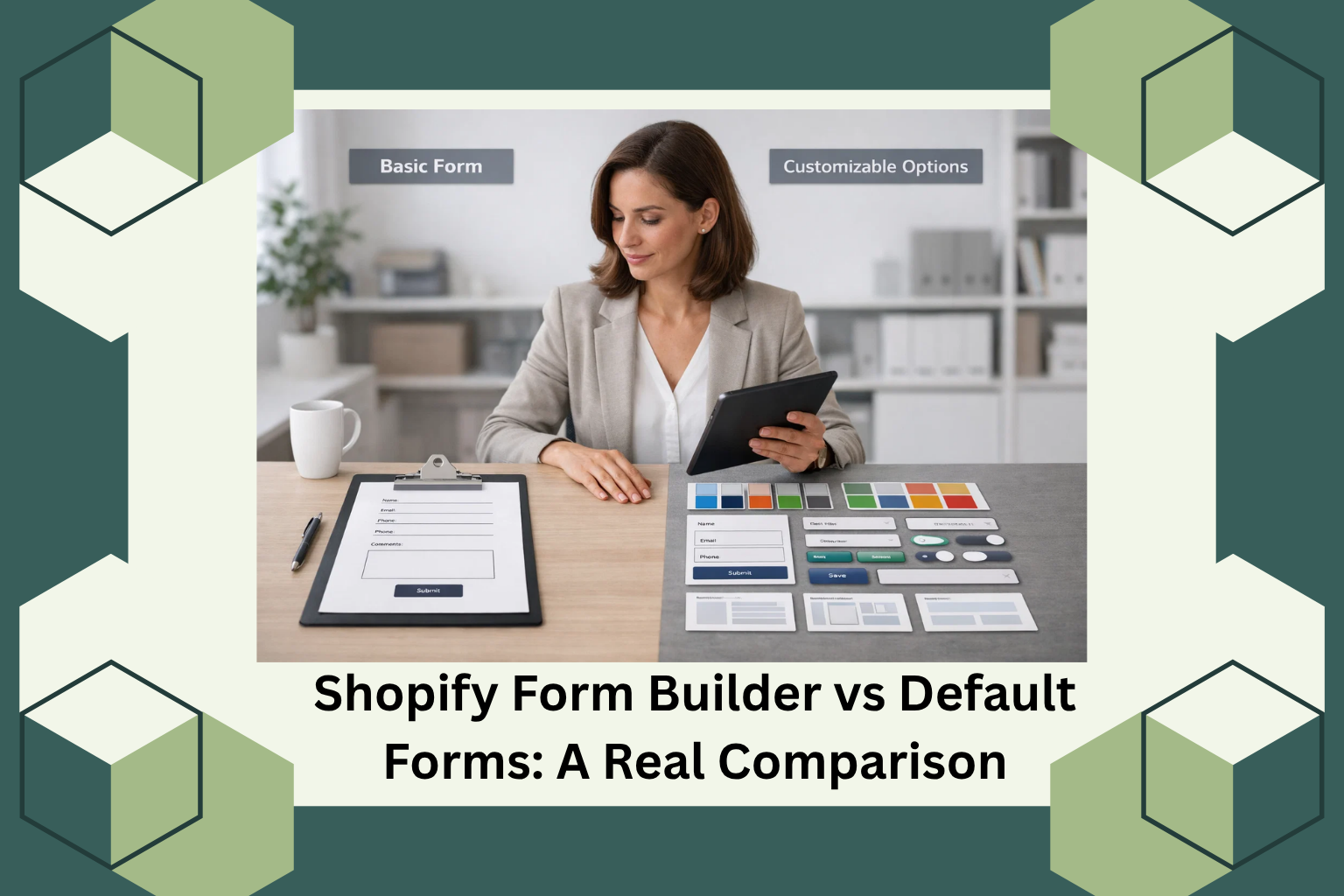
Shopify’s default contact form, available through the built-in Contact page template, gives you three standard fields: name, email address, and a message text area. Submissions are sent to your store’s notification email address. There is no built-in submission storage inside the Shopify admin. There is no spam filtering beyond basic theme-level implementation. There are no conditional fields, no file upload options, no dropdowns, no phone number fields, and no multi-step form capability.
For a brand new store that just needs customers to be able to send a message, this works. It’s fast, it’s already there, and it requires zero configuration.
But the moment your store has more complex needs, the limitations become real problems.
Where Default Shopify Forms Start to Break Down
Here’s where I want to be specific, because “it’s limited” isn’t a useful observation on its own. Let me show you the exact situations where the default form causes real operational friction.
You’re Running a Wholesale or B2B Operation
Wholesale inquiry forms need more than a name and email. You typically want the buyer’s business name, their location, the products they’re interested in, their expected order volume, and sometimes their reseller license or tax ID. None of that is possible with the default form. You end up asking customers to cram all of that into a message box, which means inconsistent data, harder follow-ups, and a less professional impression.
You Offer Custom or Personalized Products
If you sell personalized gifts, custom printing, engraved jewelry, or anything that requires customer specifications before production, you need a structured form. “Please describe your customization” in a text box leads to incomplete orders and back-and-forth emails. A properly built form with specific fields for each required piece of information eliminates that problem entirely.
You Take Bookings or Appointments
Any store with a service component, consultations, installation bookings, or scheduled deliveries needs date and time inputs. The default form has none. You either redirect customers to a third-party booking tool (adding friction and drop-off risk) or you ask them to type their preferred date into a message box (leading to scheduling errors).
You Want to Collect and Analyze Submissions
Shopify’s default contact form sends submissions to your email inbox. There’s no database, no export option, no analytics on how many people viewed the form versus how many submitted it. If you’re trying to optimize your inquiry process or track lead volume over time, you’re essentially flying blind.
According to a study by Formstack, companies that optimize their forms based on submission data see up to a 34% improvement in conversion rates compared to those using unmodified default forms. That’s a meaningful difference, and it’s not achievable without a tool that actually records and surfaces that data.
What a Dedicated Form Builder Actually Changes
A proper Shopify form builder app doesn’t just add fields. It changes what forms can do for your business at a structural level.
Field Variety and Input Quality
Where the default form gives you three fixed fields, a dedicated builder gives you the ability to add text fields, text areas, dropdowns, checkboxes, radio buttons, phone inputs with validation, file and image uploads, star ratings, sliders, country selectors, date pickers, time pickers, and more. Each of these serves a real purpose depending on your store type.
For a dropshipper handling returns, a file upload field lets customers submit a photo of the damaged item directly through the form. For a store taking custom orders, a structured dropdown ensures customers select from valid options rather than typing freeform text that may not match your product catalog.
Conditional Logic
This is the feature that separates a basic form from a genuinely useful one. Conditional logic means a field only appears based on what a customer selected earlier in the form. If someone selects “Return Request” from a dropdown, they see a different set of fields than someone who selects “Wholesale Inquiry.”
This keeps forms short and relevant for each user, which directly reduces abandonment. Research from Formstack’s State of Forms report found that reducing unnecessary form fields can improve completion rates by up to 20%. Showing customers only what’s relevant to them is the cleanest way to achieve that.
Multi-Step Forms
Long forms feel overwhelming on a single page. Breaking them into steps makes the same amount of information feel manageable. A customer who sees a two-question Step 1 is far more likely to continue than one who sees a 12-field form on a single screen.
This matters even more on mobile, where scrolling through a long form on a small screen is genuinely uncomfortable. According to Statista, mobile devices account for more than 58% of global web traffic as of recent data. Any form that performs poorly on mobile is performing poorly for the majority of your visitors.
Spam Protection and Validation
Default Shopify forms rely on whatever basic protections your theme includes. A dedicated form builder adds validation rules at the field level, so if a customer enters an invalid email format or leaves a required field empty, they get immediate feedback rather than a failed submission they may not understand.
Some form builders also include built-in spam filtering, which matters more than it sounds. Spam submissions pollute your inquiry inbox and waste your team’s time.
Submission Management and Analytics
Instead of submissions disappearing into your email inbox, a form builder app stores them in a dedicated dashboard. You can view all submissions by date, export them, and in some cases set up automated responses or notifications to specific team members based on what form was submitted.
This turns your forms from a one-way message channel into a structured data collection system. For stores handling a high volume of inquiries, that operational clarity is genuinely valuable.
When the Default Form Is Enough
I want to be fair here, because not every store needs a third-party form builder.
If you’re running a small general store with straightforward customer inquiries, the default contact form is perfectly adequate. If your customers only need to ask simple questions and you respond directly by email, adding complexity isn’t worth it.
The default form is also fine during the earliest stages of a store’s life, when you’re validating a product and haven’t yet built the operational infrastructure to handle a high volume of structured inquiries.
The honest answer is: use the default form until it’s visibly causing problems. When you notice that you’re asking customers to include specific information in their message and they consistently don’t, or when your inquiry process requires follow-up almost every time because the first submission was incomplete, that’s when a form builder earns its place.
How Aero Form Builder Solves the Real Problems
Based on the documented capabilities of AeroApps’ Aero Form Builder, trusted by over 1 million Shopify users worldwide, here’s how it directly addresses the gaps described above.
The builder uses a drag-and-drop interface that requires no coding knowledge. You can add and arrange form elements visually, set validation rules, and configure conditional logic without writing a single line of code. For store owners who are not developers, this is the difference between a tool they’ll actually use and one they’ll avoid because it feels too technical.
The field library covers everything from standard inputs (name, email, phone with validation) to advanced types (file uploads, image uploads, sliders, star ratings, country selector, date and time pickers). This directly serves the store types described earlier: custom product sellers, wholesale buyers, bookings-based businesses, and return management workflows.
Pre-built templates for common use cases, including order forms, wholesale forms, return forms, survey forms, warranty forms, and booking forms, mean you don’t have to build from a blank canvas every time. You select a template, customize it to match your store’s needs, and deploy it in minutes.
The form styling panel gives you control over padding, field spacing, border style, background, button appearance, label formatting, and animations. This matters because forms that match your store’s visual identity feel like a natural part of the experience rather than a bolted-on widget.
Submissions are stored in a dashboard, not just forwarded to an email. You can view, manage, and act on them in one place.
For stores on Shopify dealing with wholesale inquiries, custom product orders, appointment bookings, or any structured data collection requirement, this moves the needle in a real way.
The Bottom Line
Shopify’s default contact form does exactly what it says: it lets customers contact you. Nothing more. For a simple store with simple needs, that’s fine.
But if your business has grown beyond “someone might have a question,” and you’re dealing with wholesale inquiries, custom orders, return requests, or bookings, the default form is a bottleneck dressed up as a solution.
A dedicated Shopify form builder gives you control over data collection, user experience, and operational clarity in ways the default form simply cannot. And when that builder integrates cleanly into your Shopify store without requiring developer hours to configure, the cost-benefit calculation becomes straightforward.
If you’re ready to replace the basic contact page with something that actually works for your business, exploring Aero Form Builder on the Shopify App Store is a practical starting point. You can also reach the AeroApps team directly at contact@aeroapps.io to ask about your specific use case before committing.
