
Best Shopify Product Customization Apps Compared (2026 Edition)
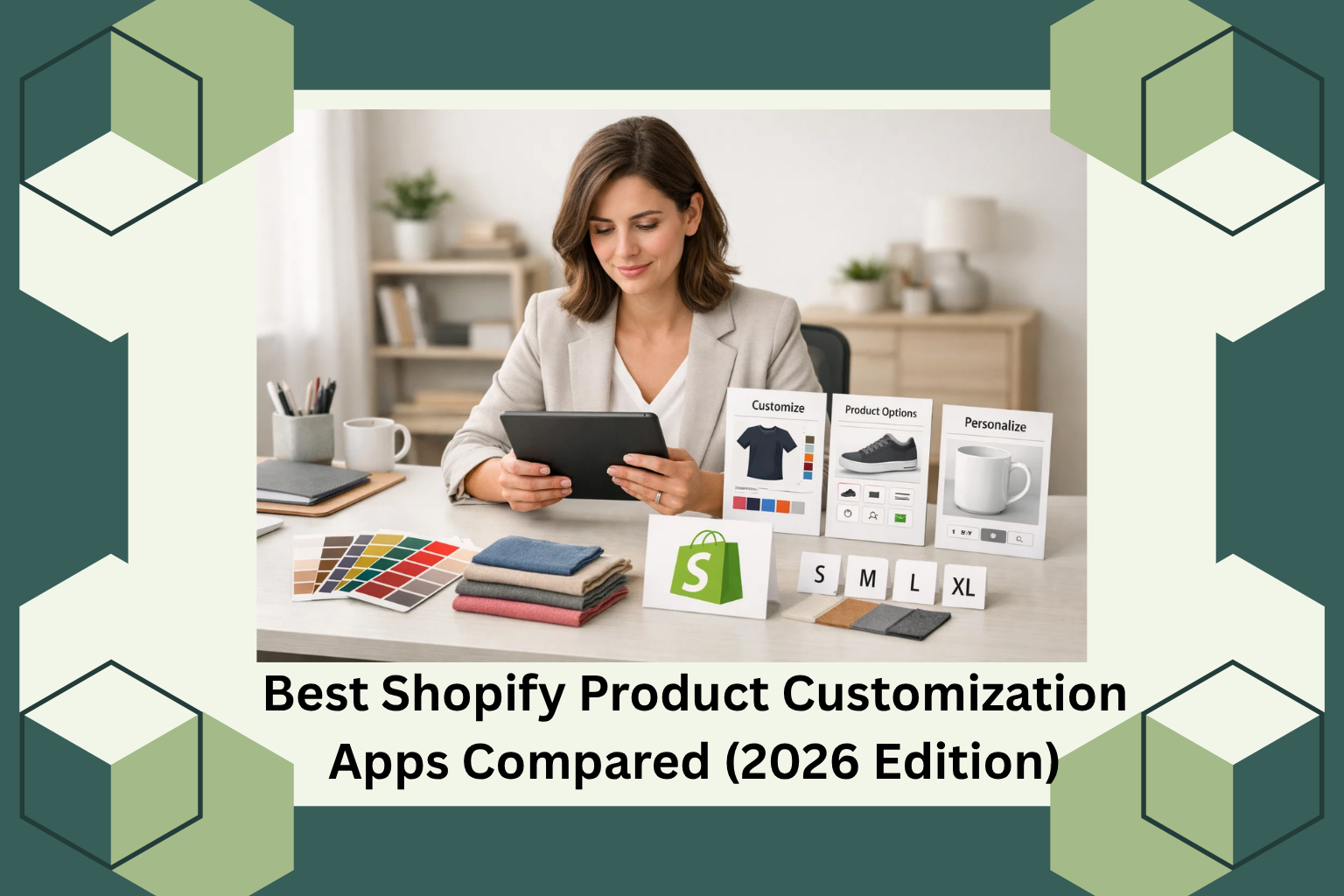
If you run a Shopify store, you already know that the default product page does a lot but not quite enough. Customers today expect more: they want to pick colors, upload custom files, choose engraving text, or select delivery dates before they add anything to their cart. When your store can’t offer that, they leave. Often without a word.
This guide is written for Shopify store owners, developers, and dropshippers who are actively looking for apps that solve this problem. Whether you’re selling personalized gifts, print-on-demand products, fashion, furniture, or anything in between, the right customization app can meaningfully change your conversion rate and average order value.
We’ll walk through what these apps actually do, what to look for before you install one, and how a suite like AeroApps compares when you stack them up against real store needs.
Why Product Customization Matters More in 2026
The shift is real and it’s measurable. According to a report by Deloitte, roughly 36% of consumers express interest in purchasing personalized products, and those who do tend to spend more. Shopify’s own ecosystem data consistently shows that stores with richer product pages more options, clearer visuals, smarter variant displays outperform basic storefronts in both session duration and purchase rate.
The problem most store owners run into isn’t a lack of ambition. It’s a lack of the right tools. Shopify natively caps product variants at 100 combinations, and its built-in options size, color, material are limited to three per product. For a custom jewelry store, a print shop, or even a basic apparel store with 10 size/color/style combinations, that ceiling hits fast.
That’s where third-party customization apps come in. And in 2026, the market for them is crowded. Knowing which one fits your store requires understanding what each app actually does under the hood.
What to Look for in a Shopify Product Customization App
Before comparing any specific tools, here’s a practical checklist based on common store requirements:
Functionality depth Does it support the field types you need? Text inputs, file uploads, dropdowns, color swatches, date pickers, and conditional logic are not universal. Some apps offer five field types; others offer twenty-four.
No-code usability Most Shopify store owners are not developers. An app that requires Liquid code edits to function is an app most people will abandon within a week.
Theme compatibility Shopify has over 100 free and paid themes, and the Online Store 2.0 framework introduced significant structural changes. A good customization app should work across themes without breaking your layout.
Performance impact Adding scripts to your product page adds load time. Page speed directly affects your Google ranking and your conversion rate. Lightweight apps matter.
Pricing vs. value Free plans with basic features are fine for small stores, but as you scale, you’ll want to know exactly what’s locked behind a paid tier before you commit.
Comparing the Main Types of Customization Apps
1. Product Variant and Options Apps
These are the most common category. They solve Shopify’s variant limitation by letting you add unlimited custom fields to any product page without touching a line of code.
The best ones support a wide range of input types: text fields, text areas, dropdowns, radio buttons, checkboxes, image swatches, color pickers, file uploads, number fields, date and time pickers, and more. Conditional logic showing or hiding fields based on what a customer selects is a feature that separates the good apps from the genuinely useful ones.
For dropshippers sourcing from AliExpress, this category is especially relevant. AliExpress products often come in multiple variants (size, color, spec), and presenting those cleanly on a Shopify product page requires a tool that can display options visually, not just as a text list.
What to look for: Live preview on desktop and mobile, drag-and-drop builder, conditional logic, and at least 15–20 field types.
2. Form Builder Apps
Form builders serve a different but overlapping need. Instead of customizing a product’s purchase options, they let you add standalone forms to any page contact forms, booking forms, survey forms, wholesale inquiry forms, return request forms.
For stores with services attached (custom orders, B2B wholesale, appointment bookings), a form builder that integrates natively with Shopify is more useful than a generic third-party form tool like Typeform or Google Forms, because submissions can be tied to your store’s workflow.
What to look for: Conditional field logic, pre-built templates, validation rules (especially for email and phone), and form placement flexibility (product pages, collection pages, standalone pages).
3. Upsell and Bundle Apps
Customization doesn’t stop at the product level. One of the highest-ROI moves in e-commerce is showing the right complementary product at the right moment. Upsell apps let you create “Frequently Bought Together” bundles, product add-ons on the product page, or cart-based offers triggered by what’s already in the customer’s bag.
The mechanics here are straightforward: a customer viewing a camera lens sees a cleaning kit. A customer buying a coffee mug sees a personalized card option. Done right, this increases average order value without being pushy.
What to look for: Trigger-based offer logic, discount compatibility (percentage off, fixed amount, free shipping), mobile-responsive placement, and analytics on offer performance.
4. Volume Discount and Campaign Apps
For dropshippers and stores running promotions, volume-based pricing tools are essential. BOGO (Buy One Get One) deals, tiered discounts (“Buy 3, get 15% off”), cart-value-based gifting, and time-limited countdown offers all fall into this category.
These aren’t just gimmicks. Used correctly, they increase purchase quantity per session, reduce cart abandonment, and give customers a reason to act now rather than later. The key is having a campaign tool that’s flexible enough to handle multiple offer types without requiring a developer every time you want to run a new promotion.
What to look for: Multiple discount types (BOGO, volume tiers, gift-with-purchase), countdown timer support, custom messaging, and a clean campaign dashboard.
How AeroApps Covers All Four Categories
Rather than piecing together four separate apps from four different developers each with its own pricing, support team, and potential for theme conflicts AeroApps offers a coordinated suite of tools built specifically for Shopify.
Trusted by over 1 million users worldwide, AeroApps has built its product line around the real operational needs of Shopify stores at various stages of growth.
Aero Product Variant Options
This app directly addresses Shopify’s variant ceiling. It supports 24 distinct option types from standard text inputs and dropdowns to image swatches, font pickers, color pickers, file uploads, and quantity selectors. The drag-and-drop builder requires no coding knowledge, and the conditional logic feature lets you show or hide fields based on what a shopper selects, keeping the product page clean and relevant rather than overwhelming.
Pre-designed templates for common product types (gift boxes, custom mugs, birthday cakes, jerseys, framed posters) mean you don’t have to start from scratch for every product category. Everything renders with a live desktop preview so you can see exactly what your customers will see before publishing.
Aero Form Builder
For stores that need more than product options wholesale applications, booking requests, customer surveys, return forms Aero Form Builder provides a full drag-and-drop form construction environment. It includes standard inputs (name, email, phone with validation), advanced fields (file uploads, sliders, country selectors, ratings), and conditional logic to tailor the form experience based on user input.
Pre-built templates covering order forms, wholesale forms, survey forms, warranty forms, and booking forms mean you can deploy a professional form in minutes rather than hours. The form styling panel gives you control over borders, spacing, animations, and layout no CSS required.
Aero Upsell & Bundle
This app handles the “right offer at the right moment” side of revenue growth. You can create Frequently Bought Together bundles, product page add-ons, and cart-based upsell offers triggered by specific products or behaviors. Offer titles, descriptions, placement, and discount type (percentage, fixed amount, or free shipping) are all customizable through a clean dashboard no developer needed.
The mobile and desktop preview ensures your upsell widgets look intentional, not intrusive, across devices.
Aero Volume Booster
For promotions, Aero Volume Booster brings BOGO deals, volume-based pricing tiers, gift-with-cart-value rules, and gift-with-quantity-purchase rules under one campaign management interface. Time-based offers with countdown functionality create urgency without requiring you to manually remove and re-add discounts. Custom messaging and design control mean each offer can match your store’s brand rather than looking like a generic plugin.
Which Stores Benefit Most
- Print-on-demand stores need deep variant options and file upload support Aero Product Variant Options handles both.
- AliExpress dropshippers benefit from clean visual variant displays (image and color swatches) that convert better than text dropdowns.
- B2B and wholesale stores need customizable inquiry forms with conditional logic Aero Form Builder fits that exactly.
- Stores running recurring promotions need a campaign tool that doesn’t require a developer for every new offer Aero Volume Booster solves that.
- Stores wanting to increase AOV without increasing ad spend Aero Upsell & Bundle is purpose-built for that.
Final Thoughts
In 2026, product customization isn’t a premium feature it’s an expectation. Shoppers are accustomed to personalized experiences, and the stores that deliver them earn both the sale and the repeat visit.
The challenge is doing this without assembling a fragile stack of incompatible apps, each fighting the others for script priority and each billing you separately. AeroApps’ coordinated suite gives Shopify store owners a coherent, no-code toolkit that covers options, forms, upsells, and promotions under one ecosystem.
If you’re ready to move from a basic Shopify setup to one that actively supports conversion at every touchpoint, exploring AeroApps on the Shopify App Store is a practical starting point. You can reach the team directly at contact@aeroapps.io they emphasize that they listen first, which is the right approach for a tool that needs to fit your specific store, not the other way around.

Leave a Reply