
How to Sell Personalized Products on Shopify
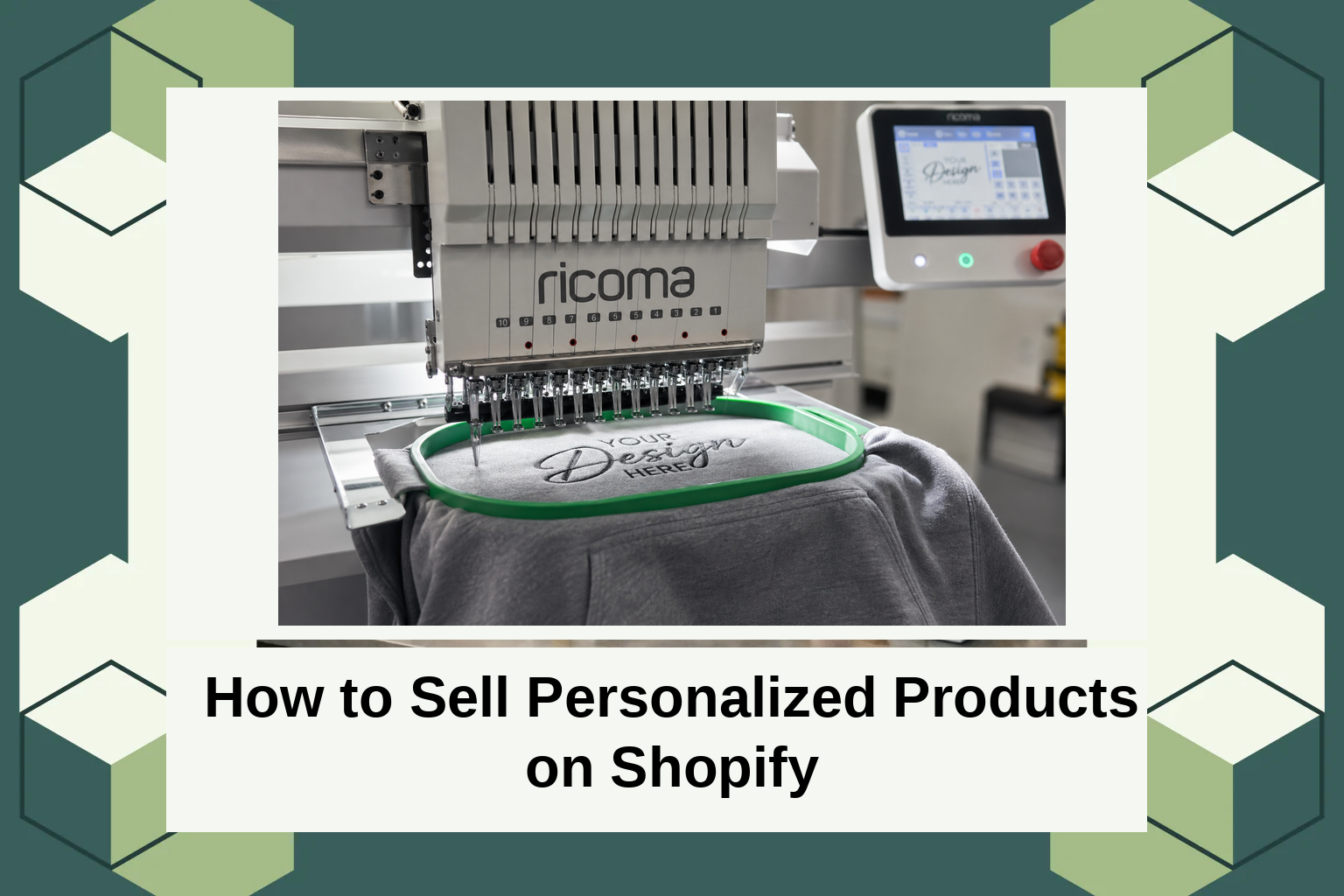
How to Sell Personalized Products on Shopify
Introduction
The personalized products market is gaining traction, with recent trends showing consumers are increasingly valuing items that resonate with their unique tastes and preferences. This shift in consumer behavior has seen a rise in demand for customized products across various e-commerce platforms, with Shopify leading the charge. In fact, over 50% of online shoppers express a preference for personalized items over standard products.
For Shopify store owners, this trend presents an exciting opportunity to appeal directly to these consumers through product customization. In this post, we’ll delve into the essentials of selling personalized products on Shopify. You’ll learn how Shopify caters to customization, discover steps to implement personalized offerings efficiently, and explore practical examples that will resonate with your audience.
What Is Product Personalization on Shopify?
Product personalization allows consumers to modify and create designs that align with their individual preferences. Whether it’s adding names or selecting specific features, personalization adds an extra layer of engagement between the product and the shopper. This concept not only benefits the consumer but also empowers store owners to offer unique solutions that stand out in a crowded market.
The rise of digital platforms like Shopify has made it easier than ever for entrepreneurs to enter the personalization space. Shopify’s user-friendly interface, combined with its vast array of third-party apps, supports a seamless customization process. This means even those without technical skills can set up a store that offers personalized products with ease and efficiency.
Selling Personalized Products on Shopify: A Deep Dive
When selling personalized products on Shopify, the first step is to integrate the right tools and features that enable personalization. You’ll need to utilize Shopify’s product options, which allow you to add custom fields to products. For example, using any AeroApps integration, store owners can easily add text boxes, drop-down menus, and color pickers to their product pages, enabling a customized shopping experience.
Another important aspect is setting up an intuitive interface that guides customers through the personalization process. This involves clear instructions and responsive design elements that work equally well on all devices. Store owners can enhance their offerings by using apps that integrate with Shopify to offer real-time previews, allowing customers to visualize their customizations before making a purchase.
Types of Widgets for Product Customization
Widgets play a crucial role in facilitating product personalization on Shopify. Several types of widgets can be employed to deliver a dynamic and engaging shopping experience. Text customization widgets enable customers to input personalized messages or names on products, such as custom engravings on jewelry.
Another popular widget is the image uploader, which allows consumers to upload and customize graphics on a product, enhancing the depth of personalization. Simultaneously, color and variant selectors give customers the freedom to choose from an array of options, ensuring their purchase aligns perfectly with their personal preferences. For more on customizing Shopify experiences, check the resources at AeroApps.
Pricing
Setting the right price for personalized products can be a complex exercise, as it often needs to balance competitive pricing with the added value of customization. Typically, personalized products are priced higher than standard items due to the additional features and effort involved in fulfilling custom orders.
AeroApps offers flexible pricing models for its suite of Shopify tools, allowing merchants to choose the best fit for their budget and business needs. With options ranging from free basic functionalities to premium features, AeroApps ensures that Shopify store owners have the tools they need to succeed without breaking the bank.
Why It Matters
Product personalization offers businesses a unique avenue to differentiate themselves in an increasingly competitive market. The ability to tailor products to shoppers’ specifications often results in higher satisfaction rates and increased customer loyalty. For Shopify store owners, offering such personalized options not only aligns with current market demands but also provides a compelling reason for customers to choose their store over competitors.
According to market insights, businesses that offer personalization see a significant boost in conversion rates and average order value. For AeroApps users, integrating their suite of apps can streamline the setup process, enabling Shopify merchants to tap into these benefits seamlessly and effectively.
Moreover, personalization is not just a passing trend but a long-term shift in consumer behavior. As such, leveraging AeroApps’ suite offers Shopify merchants a way to sustainably engage and grow their customer base, setting them apart from the average e-commerce store.
How It Works
Getting started with selling personalized products on Shopify involves selecting the right tools for your needs. Begin by installing product personalization apps available in the Shopify store. AeroApps, for instance, provides a range of applications that specialize in customization, making the initial setup process straightforward and hassle-free.
Once the necessary apps are integrated, you can configure your product pages to feature customization options like text inputs, color selectors, and image uploads. These options should be clearly visible on product pages, and you can enhance user experience by ensuring intuitive navigation and providing previews of customizations in real-time.
It’s important to also consider the operational aspects of managing custom orders. Ensure your logistics and customer service teams are prepared to handle unique requests that come with personalized products. This might involve setting specific guidelines for personalized order shipping and returns, ensuring your business operations run smoothly.
Conclusion
Offering personalized products on Shopify is not only a profitable opportunity but also a strategic move to improve customer engagement and brand loyalty. With the right tools, like those offered by AeroApps, you can begin customizing your Shopify store today, making it more appealing to today’s discerning consumers.
FAQs
What if I don’t have technical expertise?
With AeroApps, you don’t need any technical expertise to add product personalization to your Shopify store. Their apps are designed to be user-friendly and easy to set up, allowing you to customize your products with just a few clicks.
Can I preview what the customized product will look like?
Yes, most personalization apps, including those from AeroApps, offer real-time preview features. This allows customers to see how their customizations will appear on the product before completing their purchase, enhancing their overall shopping experience.
How do personalized products affect shipping times?
Personalized products may require additional time for processing due to their custom nature. Typically, this is accounted for during the purchase, and AeroApps allows you to manage these timeline extensions effectively, ensuring customer expectations are met.
Is it expensive to start offering personalized products?
Starting personalization can be cost-effective, especially with AeroApps’ various pricing plans. Whether you’re a new merchant or an established brand, you can select a plan that matches your budget, allowing you to offer personalized items without a significant upfront investment.
