
How Custom Forms Improve User Experience
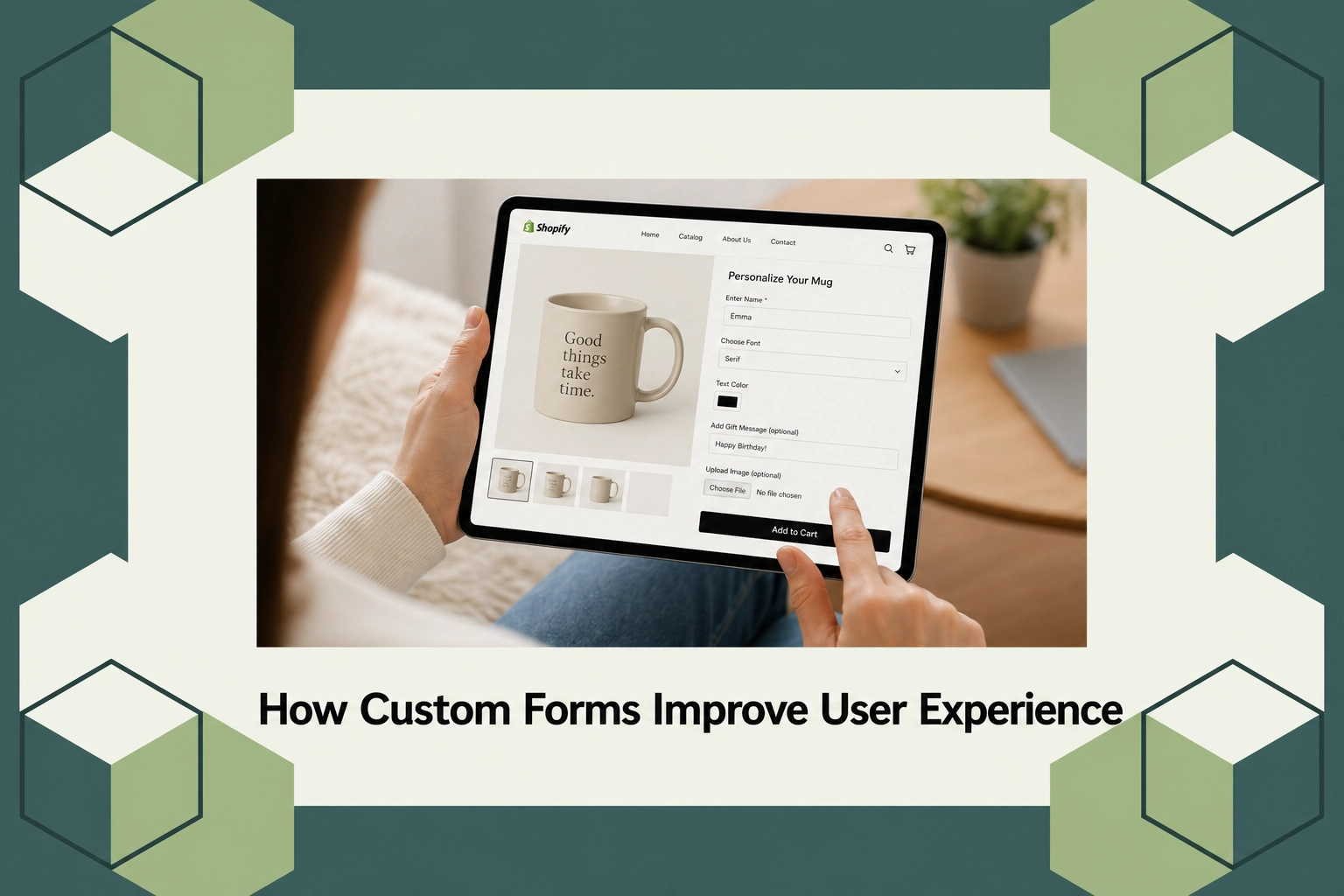
How Custom Forms Improve User Experience
In a world where digital interactions are rapidly outpacing face-to-face encounters, the user experience on web platforms has gained unprecedented importance. It is reported that poor user experiences can lead to an abandonment rate as high as 70% on e-commerce forms alone. Well-crafted forms can enhance the overall user journey, significantly reducing this figure and optimizing interaction outcomes. This post will explore the nuances of custom forms and how they enhance user involvement, ultimately leading to better engagement and satisfaction.
This article will guide you through understanding what custom forms entail, the benefits they bring to web interactions, and the types of widgets and tools available to optimize your forms. By the end, you’ll be equipped with insights on why improving form design is beneficial, not just for personalizing user interactions but for boosting organizational success.
What Is Custom Form Design?
Custom form design refers to tailoring form fields, styles, and functions to better fit the specific requirements of your user base. Unlike generic form templates, custom-designed forms prioritize user-centric elements, ensuring that the information is both easy to understand and delightful to engage with. This consideration is particularly relevant for platforms aiming to communicate unique brand identities or needing to collect niche data types effectively.
Custom forms exist for any business or organization that values personalization and intends to improve interaction outcomes with its users. It is indispensable for e-commerce websites, subscription services, and any situation where understanding the user’s needs is paramount. By focusing on the user’s experience, companies can ensure higher conversion rates, user satisfaction, and retention.
How Custom Forms Improve User Experience
Custom forms enhance the user experience by addressing key elements such as accessibility, simplicity, and the visual appeal of information collection. A well-designed form reduces friction, making it easier for users to fill out necessary information without frustration. Furthermore, intuitive navigation and clever use of space balance aesthetics with functionality.
From a practical standpoint, personalized forms allow for more accurate data collection, tailored interaction flows, and improved user feedback channels. By considering specific user needs and preferences, forms can shorten the time it takes to complete them, making users more likely to engage with the platform. Such improvements directly influence the satisfaction levels and perceived professionalism of an organization, as highlighted by the proficient integration tools found in solutions like AeroApps, which provide customizable form building kits suitable for Shopify stores.
Types of Widgets
The type of widgets available for form customization can greatly influence the functionality and user-friendliness of the form itself. Popular widget categories include drag-and-drop field arrangers, dynamic input fields, condition logic paths, and automated validation tools. These options ensure that every form element aligns with your specific operational requirements and user expectations.
For instance, using conditional pathways can streamline user input by showing only relevant questions based on previous answers. This not only simplifies the process for the user but also minimizes data redundancy and increases the accuracy of the information gathered. AeroApps offers a suite of product customization tools specifically for Shopify, where flexibility and store uniqueness are key focus areas to support diverse e-commerce functionalities.
Pricing
When it comes to pricing custom form solutions, the cost can vary widely depending on the level of customization required, the number of forms needed, and the complexity of integration with existing systems. Generally, form customization tools can range from tiered subscription models, offering basic features at a lower cost and advanced visual and functional integrations at a premium.
AeroApps, for example, offers various pricing tiers to match different business needs. Their scalable solutions ensure that both small startups and large enterprises can enjoy tailored customization without overspending. With over 5 million monthly users, AeroApps maintains a pricing structure that reflects the need for dynamic, versatile options akin to the offerings on the AeroApps platform.
Why It Matters
The relevance of custom forms in today’s market cannot be overstated as businesses strive to distinguish themselves in increasingly competitive landscapes. With user expectations evolving alongside technological advances, the ability to adapt and personalize service offerings through digital touchpoints like forms becomes crucial.
Market trends indicate a rapid adoption of customizable platforms due to their empowering effect on user engagement and data quality. Platforms like AeroApps exemplify how such customization not only improves user experience but streamlines business operations by integrating necessary tools to tailor the interaction process effectively.
Compared to other generic form builders, AeroApps provides a competitive advantage by focusing on product customization tools specifically tailored for Shopify users. This specificity empowers brands to create unique storefronts that resonate well with targeted customer demographics, supporting enhanced operational efficiency and brand loyalty.
How It Works
Custom form implementation follows a structured process. Initially, you’ll start with identifying the objectives of the form: What information do you need and why? This step guides the selection of suitable widgets and form elements. Following this, tools like AeroApps enable users to arrange and personalize form fields through an intuitive interface, allowing for real-time previews of the customizations made.
Once your form is designed, integration with your platform is next. AeroApps provides seamless compatibility with Shopify stores, ensuring that the forms are not only visually harmonious but also functionally robust. Each form element can be tested and adjusted to meet the highest standards of user engagement and data capture.
Finally, monitoring and optimization are ongoing processes. Analyzing user interactions with forms can yield insights into areas for further enhancement. With continuous support and innovative solutions from platforms like AeroApps, businesses can remain agile and responsive to ever-changing user expectations and market demands.
Conclusion
Custom forms represent an essential component of a successful online presence, offering improved user experiences and operational efficiencies. For businesses eager to refine their digital interactions and create impactful user touchpoints, consider exploring more about form solutions at AeroApps.
FAQs
What are the benefits of using AeroApps for custom forms?
AeroApps provides dedicated tools tailored for Shopify merchants, offering flexibility and specific integrations that enable store owners to create and manage forms that enhance user experience while supporting operational goals.
How do conditional logic forms work?
Conditional logic forms adjust the questions based on previous user inputs, thereby creating a more personalized and streamlined interaction. This not only improves the experience for users but also increases the accuracy and relevance of the data collected.
Can I integrate AeroApps forms with other platforms?
AeroApps focuses on seamless integration with Shopify, making it an ideal choice for users on that platform. This integration ensures that the forms align perfectly with the online store’s design and functionality standards, leading to efficient user engagement.
What level of support does AeroApps offer for form customization?
AeroApps offers comprehensive support for form customization, including a help center, onboarding resources, and dedicated technical assistance. This support structure helps users efficiently customize and manage their forms while optimizing user experience.
