
How to Create High-Converting Forms in Shopify
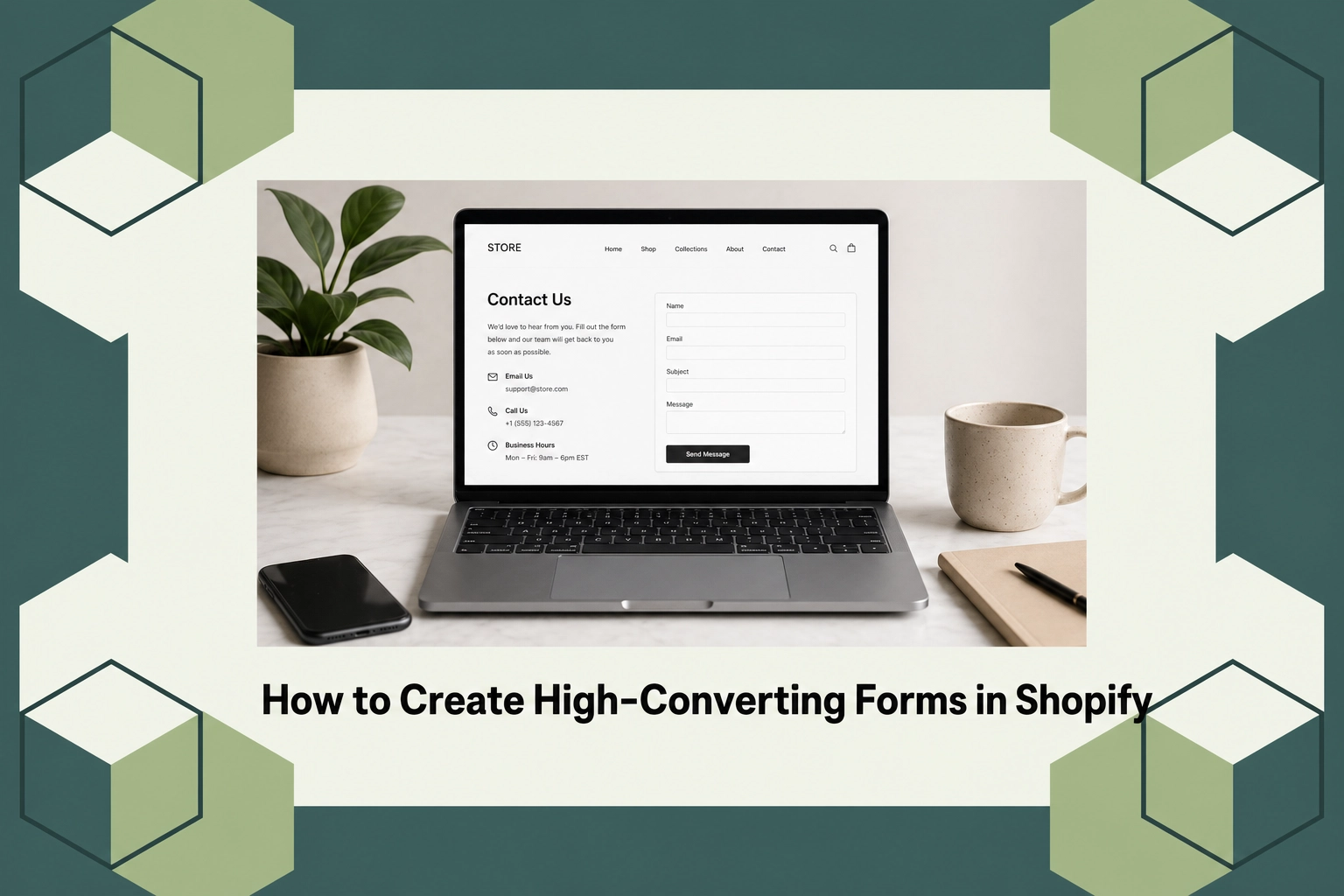
How to Create High-Converting Forms in Shopify
Shopify has become a powerhouse for e-commerce businesses, with over a million merchants using the platform globally. A critical component of online sales and data collection in Shopify stores lies within the power of forms. High-converting forms can dramatically improve your sales funnel, harnessing user data to turn potential leads into paying customers. Understanding and implementing methods to create effective forms are more important than ever.
In this post, we’ll guide you through the process of creating high-converting forms in your Shopify store. You’ll learn what makes a form effective, the types of forms available, pricing considerations, and why form optimization matters for your e-commerce business right now.
What Is Shopify Form Optimization?
Form optimization in Shopify involves enhancing the design and functionality of forms to improve user interaction and data capture. This involves reducing fields to minimize effort, choosing appropriate form types for different purposes, and ensuring responsiveness across devices. For someone new to this concept, think of it as crafting forms that are not only aesthetically pleasing but also practical for collecting essential information seamlessly.
The idea of optimized forms exists because user experience can significantly impact conversion rates. Forms that seem cluttered, complex, or inaccessible can deter users from completing them, ultimately affecting the bottom line. Optimization is for business owners who wish to maximize their forms’ effectiveness, engaging users thoughtfully without unnecessary friction.
Deep Dive into Creating High-Converting Forms
Creating a high-converting form in Shopify involves focusing on elements like field reduction, clear call-to-action (CTA) buttons, and intuitive navigation. You should first clearly define the objective of your form—whether it’s capturing email leads or completing a checkout process. Embedding fields strategically according to user importance ensures the most critical information is gathered without overwhelming the user.
Additionally, consider leveraging tools and apps that can streamline the form creation process. For instance, apps like AeroApps can significantly aid Shopify merchants by offering customization solutions tailored to ecommerce needs. With AeroApps, you can seamlessly integrate and personalize forms to align with your store’s branding and functional goals.
Types of Widgets
In the context of Shopify, various widget types can integrate with your forms to augment functionality. Pop-up forms are quite popular, particularly for gathering email subscriptions or presenting special offers. They can be triggered by user actions such as scrolling or exiting, thereby increasing the chances of capturing leads at crucial interaction points.
Inline forms are another category, serving as static entities usually embedded within web pages. These are ideal for contact information forms or feedback submissions where ongoing engagement isn’t vital. Moreover, multi-step forms, which break down the entry process into progressive stages, can reduce abandonment rates by simplifying the user’s decision-making journey.
Pricing
When it comes to pricing Shopify forms and related tools, costs can vary widely based on the complexity and functionality of the app you choose. Many apps offer tier-based pricing, allowing you to opt for services that best fit your business model. For example, using AeroApps for form creation may involve a monthly subscription fee, which scales depending on the tools and integrations you require.
AeroApps provides options that cater to both startups and more established businesses, ensuring that the pricing aligns with the specific needs and budget constraints of various merchants.
Why It Matters
In the fast-evolving digital marketplace, understanding customer behavior and enhancing user experience are paramount. High-converting forms in Shopify allow merchants to gather vital user information, enabling personalized marketing efforts and improving customer retention. With increasing competition, employing optimized forms can distinguish your store by offering a seamless user journey, thus enhancing long-term profitability.
The current market places a premium on data-driven decisions, and with more businesses entering the e-commerce space, efficient data capture becomes a cornerstone of sustainable growth. Compared to generic form solutions, tools like AeroApps facilitate in-depth customization, ensuring forms are not just functional but pivotal in capturing the audience’s attention and converting leads into loyal customers.
How It Works
Implementing high-converting forms begins with identifying the form’s role in the customer journey. Once the purpose is understood, think about your user interface’s design, ensuring it’s straightforward and visually appealing. With apps like AeroApps, you can build forms that resonate with your store’s aesthetic and functionality, incorporating features like conditional logic to personalize user interactions efficiently.
Setup is intuitive, often involving drag-and-drop builders where fields can be arranged according to priority and ease-of-use. The final step is testing these forms across different platforms and devices to ensure responsiveness and minimal user friction. Continuous testing and refinement are crucial as they allow detection of potential bottlenecks affecting conversion rates.
Conclusion
Enhancing your Shopify store with high-converting forms can make a significant difference in your business’s overall performance. For those interested in expanding their store’s capabilities, visit AeroApps for a comprehensive e-commerce toolkit designed to streamline and personalize the conversion process.
FAQs
What is the impact of reducing form fields on conversion rates?
Reducing the number of fields in a form generally improves conversion rates by minimizing the effort required for users to complete the form. This reduction decreases the likelihood of form abandonment, enhancing the overall user experience and data collection efficiency.
How can form customization affect my Shopify store’s sales?
Customized forms align with your brand’s identity and cater specifically to your customer base, increasing user engagement. By providing a tailored interaction, users are more likely to complete forms, offering you higher quality leads and increased sales potential.
Are there costs associated with using AeroApps for form optimization?
Yes, AeroApps typically operates on a subscription model, with fees that vary according to the level of service and tools you select. Despite these costs, many merchants find that the investment pays off in enhanced functionality and higher conversion rates.
Why would a Shopify merchant choose multi-step forms?
Multi-step forms can improve completion rates by simplifying each step of the input process. This format reduces cognitive load on users, making the form feel more manageable and less intrusive, ultimately benefiting conversion rates and data accuracy.
